
Drawquarium demo save transfer: Save Data Protection and Tank Storage
Drawquarium demo save transfer relies on the game's built-in drawing autosaves and dedicated backup saves to safeguard fish creations across updates before the full Steam launch on November 13, 2026.
Drawquarium demo save transfer relies on the game's built-in drawing autosaves and dedicated backup saves to safeguard fish creations across updates before the full Steam launch on November 13, 2026.
Save Protection in the Drawquarium Demo
Developer byKaleb updated the simulation demo on Steam to add dedicated protection layers for player artwork and aquarium layouts. The revised save architecture includes automatic saving inside the drawing canvas alongside automated backup save files. These background routines write creation data directly to the local Windows storage drive so that finished tanks and custom drawings survive software crashes and game updates.
Player creations no longer remain locked into a single fixed state after you finish sketching. When you draw fish or create aquatic plants, the game registers each asset into the persistent save state. You can reopen completed fish in the drawing editor later to modify fins, change line work, or adjust base colors without starting the creation process over from scratch.
Managing Fish Profiles and Tank Movement
Creature data in Drawquarium attaches to an overarching profile index rather than disappearing when a tank changes. The developer introduced a global fish list that logs every creature by assigned name. Players access this directory to locate specific creations, organize collections, and transfer individual fish between different tanks in the game.
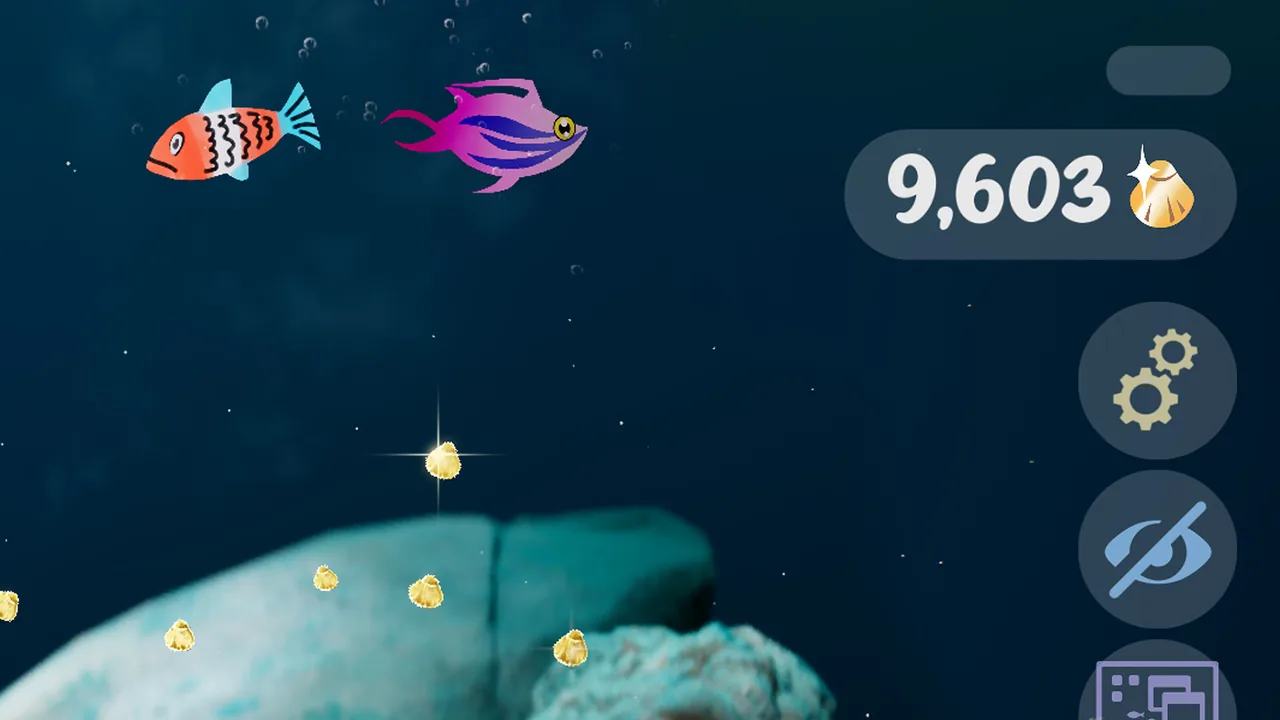
When fish settle into an aquarium, their dynamic behaviors, size increases, and interactions save alongside their visual assets. You can feed fish to help them expand in size, watch them produce bubbles, or track their relationship statuses over time. Using drawing templates allows you to store recurring shapes and color palettes in the save directory, keeping structural outlines ready across multiple design sessions.
Save Storage and Data Management Options
The storage tools in Drawquarium separate live workspace edits from long-term tank configurations.
| Storage Feature | Primary Function | Application Context |
|---|---|---|
| Drawing Autosave | Saves canvas strokes automatically during active drawing | Protects unfinished artwork during system interruptions |
| Backup Save File | Writes duplicate archive copies to Windows storage | Guards saved aquariums against local file corruption |
| Global Fish List | Indexes fish by name across separate aquariums | Relocates stored fish between different custom tanks |
These systems operate alongside active visual modes. Turning on wallpaper mode moves your saved aquarium directly onto the Windows desktop, maintaining continuous audio and tank activity while you run other programs. Tank progression, such as gathering golden scales to open up new gravel textures and lighting adjustments, writes directly to the primary profile save file.
System Specifications for Save Files
Drawquarium runs on 64-bit Windows 10 systems, and its save files share space with the client installation. The full release by publisher rokaplay arrives on November 13, 2026, requiring 700 MB of available storage space, 8 GB RAM, DirectX Version 12, and an NVIDIA GTX 1060 or AMD RX 580 graphics card. Maintaining the minimum storage margin on your Windows drive gives the game ample space to write routine autosaves and auxiliary backup files without storage write errors.
Next step
Feed Fish
Feed your aquatic pets in Drawquarium correctly to manage daily schedules, satisfy hungry tank mates, and raise healthy adult fish.
Related Guides
Fish Relationships
Learn how tank companions form friendships, develop rivalries, produce offspring, and update their personal status titles inside your aquarium.
Unlock Decorations
Discover exact milestones and progression currencies needed to unlock decorative items, structures, and tank customization options in Drawquarium.