
Drawquarium Bioluminescent Fish Painting and Lighting Guide
Drawquarium bioluminescent fish use a dedicated light layer to produce glowing patterns on your aquatic creatures. In the full release, this third painting stage highlights details against darkened tank backgrounds, while the original demo locks the light layer behind a preview overlay.
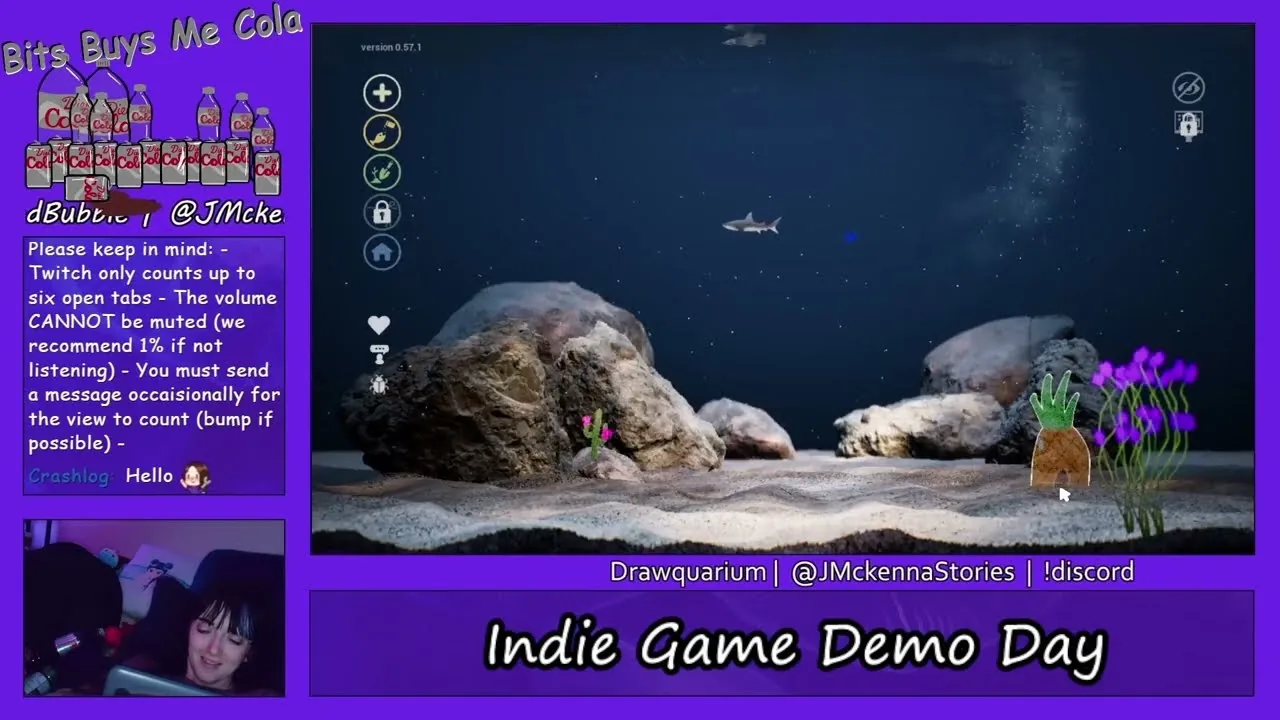
Drawquarium bioluminescent fish use a dedicated light layer to produce glowing patterns on your aquatic creatures. In the full release, this third painting stage highlights details against darkened tank backgrounds, while the original demo locks the light layer behind a preview overlay.
Understanding the Light Layer in the Drawing Editor
The fish editor in Drawquarium structures creature creation into distinct stages. When you begin a project, step one focuses on painting the base body shape onto the background layer. You can start with a blank canvas using the brush and eraser, or select preset silhouettes through drawing templates such as default fish, sharks, clownfish, or lobsters. Step two opens the color palette, where you apply surface colors, gradients, and foreground line details with adjustable brush opacity, flow, and hardness sliders.
Step three introduces the light layer dedicated to bioluminescence. Unlike standard pigment strokes that reflect daytime tank lighting, the light layer assigns a glowing property to your brushwork. You can isolate this layer to apply luminous accents to specific anatomical features, such as the dangling bulb of an anglerfish, glowing eye rings, or iridescent stripes along the fins. Because the game separates shape, color, and lighting across independent layers, recoloring a creature does not erase the underlying glowing masks you paint on the light layer.
Painting Glowing Fish Compared to Standard Species
Choosing when to apply bioluminescence depends on your intended tank lighting and species concept. While normal fish stand out under bright default lighting, bioluminescent creatures produce their strongest visual effect in low-light environments.
| Creation Technique | Best Suited For | Visual Tradeoff |
|---|---|---|
| Standard Surface Painting | Bright daylight aquariums and simple cartoon fish | Lacks emission in darkened aquariums or night presets |
| Bioluminescent Accent Layer | Anglerfish lures, glowing spines, and deep-sea predators | Requires switching to the third editor stage to align marks with surface art |
| Full Luminous Coverage | Jellyfish designs, alien marine life, and party setups | Body silhouette can wash out subtle shading in high-contrast daytime tanks |
Players who draw fish with glowing accents often pair those markings with bioluminescent vegetation. Using the editor to draw plants follows a similar multi-step painting process, allowing you to match fluorescent coral tips and glowing seaweed tendrils with your deep-sea creatures.
Availability Between the Demo and Full Release
In the public Steam demo, players interacting with the fish creation screen encountered a demo button overlay covering step three. Steam forum discussions and early gameplay videos by Purpa Goose and AJ noted that clicking the bioluminescence tab in the demo presented an unclickable preview state rather than an active brush canvas.
In official Steam update announcements, developer byKaleb confirmed that bioluminescent fish and plants are fully active in the main release. The expanded drawing toolset also adds canvas zooming, improved fill bucket options, custom saved color palettes, and symmetry toggles. Furthermore, finished fish are no longer permanently locked after placement; you can return to the editor to revise color values or repaint the light layer on existing creatures.
Tank Environment and Lighting Setup
Bioluminescent designs rely directly on your aquarium's ambient lighting settings to show their glow. The aquarium customization menu lets you adjust the tank backdrop, water illumination, and substrate. Selecting a dark background color or deep underwater image provides the necessary contrast for fluorescent strokes to emit visible light.
The full release introduces custom lighting controls and caustic effects, alongside a Disco Mode featuring spotlights and lasers. Pairing your illuminated fish with darkened tanks creates an atmospheric display that works particularly well when running wallpaper mode on your desktop. In this mode, your customized tank remains active as an interactive desktop background while your computer runs daily tasks.
Caring for Your Glowing Fish
Once placed in the tank, bioluminescent creations follow the same behavioral routines as ordinary fish. You can feed fish pellets, which they consume once every 24 hours. Well-fed fish gradually grow in size, explore different water depths based on their swimming profile, and react to bubbles or taps on the glass.
Over time, tank inhabitants establish social bonds. They can form rivalries, choose soulmates, and produce baby fish that inherit characteristics in the aquarium. As your fish swim and eat, leftover debris collects along the sand, requiring cleanup with the aquarium vacuum. Tending your aquatic pets produces golden fish scales, which you spend to unlock additional brushes, decorative driftwood, and new tank items.
Next step
Draw Fish
Follow step-by-step methods to design custom aquatic creatures in Drawquarium using canvas brushes, body templates, and behavioral swimming archetypes.