
Drawquarium Clone Fish Step-by-Step Guide
To clone a fish in Drawquarium, double-click directly on your swimming creature in the tank to bring up its profile window, then select the Clone fish button. This copies the exact drawing and visual pattern into your aquarium without redrawing it.
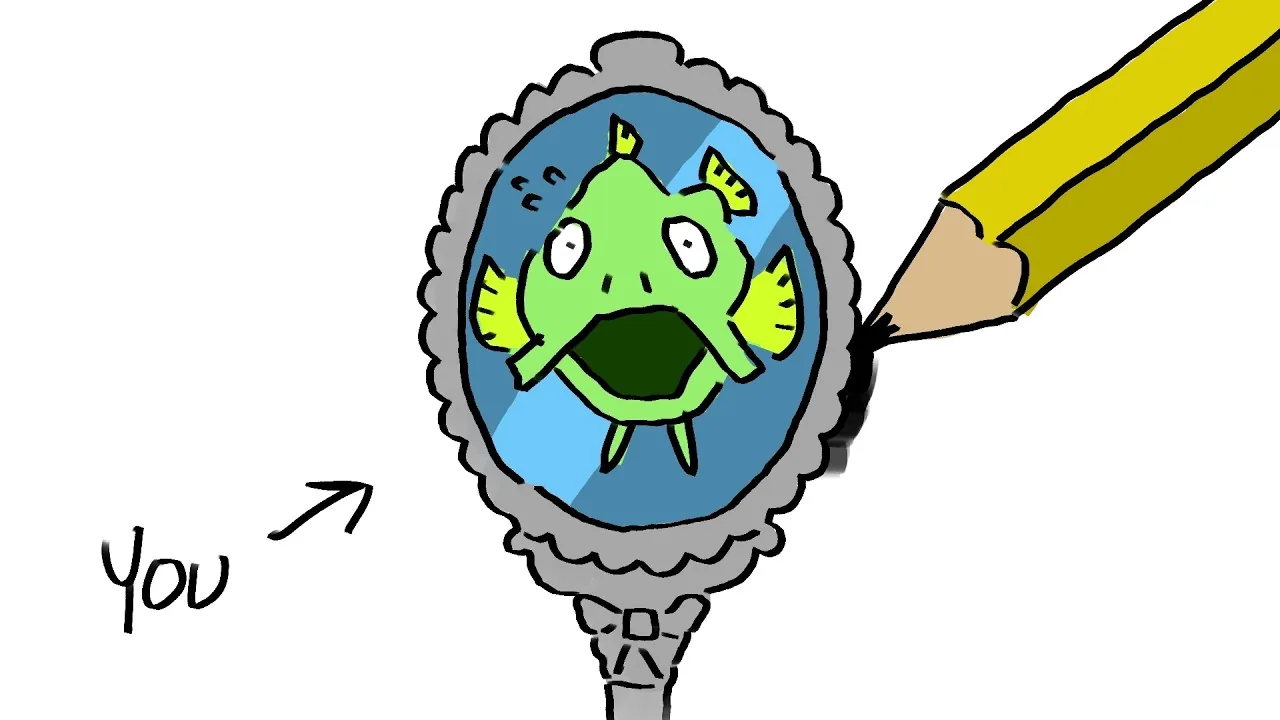
To clone a fish in Drawquarium, double-click directly on your swimming creature in the tank to bring up its profile window, then select the Clone fish button. This copies the exact drawing and visual pattern into your aquarium without redrawing it.
Selecting and Duplicating Fish in Your Tank
When your custom fish are swimming in the aquarium, interacting with them directly opens their inspection card. Single clicks can occasionally register as tank interactions or feeding prompts, so double-clicking the specific swimmer brings up the individual creature menu reliably.
The creature inspect window displays several details about your pet:
- Assigned or randomly generated name (such as Lionel, Scales, or Giggles)
- Status titles, including designations like oldest fish or very first fish
- Personal flavor text or individual quotes
- Social connections, displaying which tank mate counts as a best friend
Beneath these biographical details, two primary management buttons appear: Clone the fish and Remove the fish. Clicking the clone button creates an exact duplicate of the artwork, placing another copy into the water immediately. The cloned fish shares the original visual design, maintaining the line work, coloring, and body shape you established on the drawing canvas.
Fish Management and Population Limits
Duplicating fish allows you to populate the tank quickly, but tank capacity rules still apply. In the playable demo build, aquariums cap active fish populations at 10 individuals.
If you attempt to clone or draw fish after reaching 10 active swimmers, the interface indicates that the tank is full. To make room for duplicates or new species, you must remove existing creatures. Selecting the remove option on an inspected fish flushes the creature down a toilet animation to clear space in the tank.
Cloned fish act as independent individuals once placed in the water. They require food when hungry, swim according to the movement profiles assigned during creation, and establish their own social ties. When you feed fish, cloned companions compete for falling food items alongside the original creatures. Over time, both original and cloned specimens track days spent in the tank and form distinct fish relationships with other tank occupants.
Methods for Adding Fish to Your Aquarium
Choosing between cloning and creating new creatures depends on whether you want identical schools or unique behavioral archetypes.
| Method | When to Choose | Tank Outcome |
|---|---|---|
| Clone Existing Fish | Preserving a favorite custom illustration across multiple school members | Duplicates existing artwork instantly and consumes one slot toward the 10-fish cap |
| Draw from Scratch | Designing original shapes, custom silhouettes, and bespoke color palettes | Generates a completely original creature profile and swimming pattern |
| Base Templates | Quick coloring using pre-made outlines like sharks, clownfish, or submarines | Applies custom paint layers to pre-built shapes found in drawing templates |
| Image Upload | Inserting external artwork, photos, or transparent clip art into the water | Uses import png files with background trimming tools |
Behavior and Movement of Cloned Fish
Cloning replicates the sprite art, but individual fish retain their movement parameters based on their core type. During the initial creation process, fish are assigned one of four distinct swimming styles:
- Normal and active fish that swim throughout the open water column
- Floaty chill fish that drift casually at gentle speeds
- Spacecraft fish that fly rapidly through the tank like rockets
- Bottom dwellers that hang low and skim along the sand bed
Cloned fish inherit the movement classification and wave animation settings of the original creature. If you clone a bottom dweller, the duplicate will spend its time foraging along the gravel floor. If you duplicate an active swimmer, both specimens will dart across the foreground and background layers independently, reacting to cursor taps on the glass and following food flakes as they drift down.
Next step
Crash Fix
Apply targeted workarounds for startup failures, file import freezes, and editor crashes across the Drawquarium simulation demo.