
Drawquarium Unlock Decorations Guide: Milestones and Golden Scales
To unlock decorations in Drawquarium, complete sandbox tank milestones including planting 30 plants, placing 10 fish, and opening a second aquarium, or collect Golden Scales from cared-for fish to purchase new decorative items.
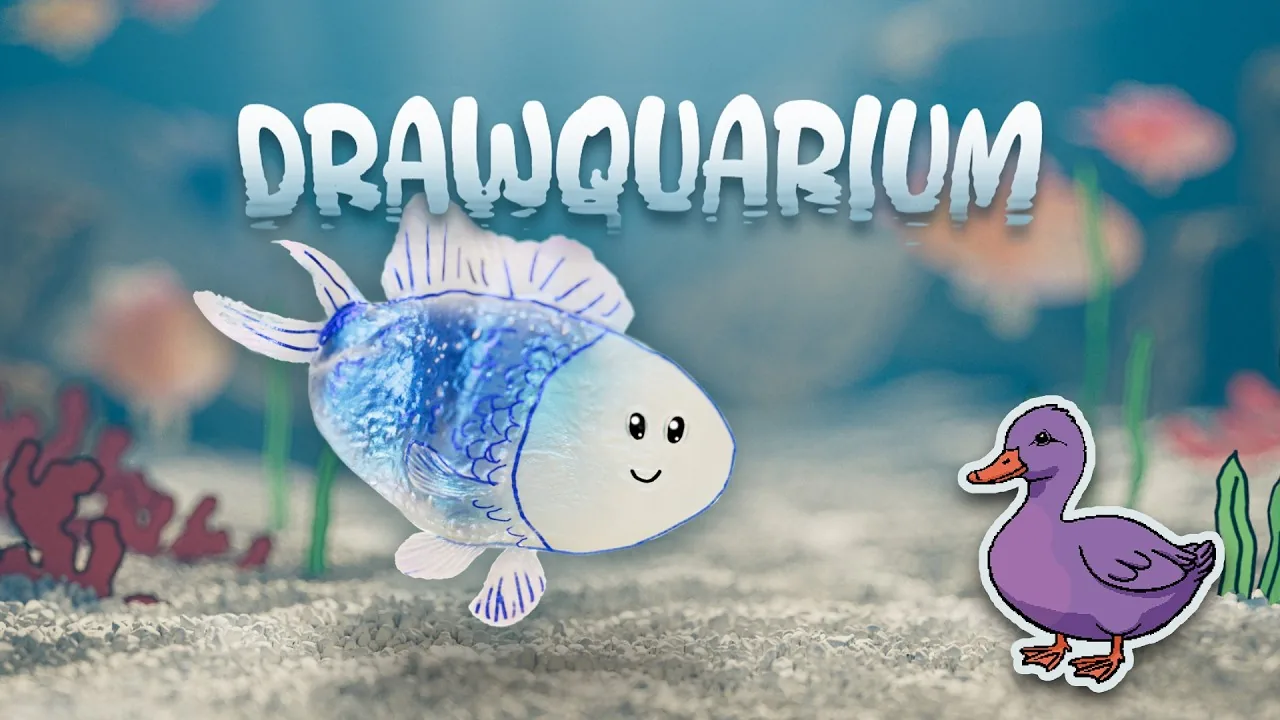
To unlock decorations in Drawquarium, complete sandbox tank milestones including planting 30 plants, placing 10 fish, and opening a second aquarium, or collect Golden Scales from cared-for fish to purchase new decorative items.
Milestones for Decorating Your Tank
The sandbox progression gates aquarium ornaments behind specific ecosystem requirements. When starting a fresh tank, your decoration menu displays locked slots that require you to grow your underwater population before adding structures.
In early builds and the Steam demo, the primary decoration milestone triggers after you draw plants to reach 30 placed flora, populate the tank with 10 fish, and create a second aquarium setup. Fulfilling these criteria completes the intro requirements and immediately awards the ability to draw a castle home for your creatures.
Specific sandbox unlocks appear as you expand your tank:
- Creating two unique plants opens the ability to draw fish.
- Placing multiple fish prompts access to extra tank slots so you can manage more than one aquarium.
- Reaching 30 plants, 10 fish, and two aquariums unlocks decorative structures like the castle template.
- Existing objects such as the desert hut, mine, small tree, and bonsai become selectable as you fill out your vegetation goals.
Golden Scales and Tank Progression
Beyond baseline tank population milestones, the main progression system relies on golden scales. Official announcements from developer byKaleb confirm that caring for your aquatic creatures yields golden scales over time.
Fish require routine attention. When you feed fish regularly and tend to their habitat, they grow from juveniles into adults. As they age, healthy fish develop a metallic shimmer. Consistent care allows you to collect golden scales, which serve as the primary currency to unlock additional templates, drawing brushes, and decorative items. These items include distinct styles of driftwood, rocks, and sand textures to customize the aquarium environment.
| Decoration Type | Unlock Method | What It Costs or Requires |
|---|---|---|
| Castle Structure | Population Milestone | 30 plants, 10 fish, and 2 aquariums |
| Custom Driftwood and Rocks | Economy Progression | Golden scales earned from raising fish |
| Plant Decors (Bonsai, Desert Hut, Mine) | Flora Placement Goals | Drawing and placing unique starter vegetation |
| Lighting and Sand Styles | Sandbox Progress | Golden scales and menu customization unlocks |
Customizing Tank Decor and Environments
Once decorative options are available, you can place and arrange them using the aquarium edit menus. The interface provides options to change the substrate layer, select custom lighting atmospheres, and place physical decor pieces.
Using the Edit Aquarium menu, you can adjust environmental visuals:
- Edit Sand: Swap between different ground textures and floor designs.
- Edit Lights: Change lighting themes, caustics, and spotlight effects across your water columns.
- Edit Background: Choose between solid colors, preset landscape images like clouds and lily pads, or uploaded images.
- Edit Decor: Place structures like driftwood, rocks, or hand-drawn objects directly into the tank bed.
Objects already placed in the tank can be duplicated or repositioned without having to redraw them from scratch. Selecting an item brings up the prompt to replant, remove, or clone, letting you scale assets up or arrange multiple copies along the gravel and rock layers.
Next step
Clock Customization
Configure the clock display, view the date and weekday, and pair time tracking with desktop companion features in Drawquarium.