
Drawquarium Crash Fix: Troubleshooting Startup, Import, and Editor Crashes
Drawquarium crash fix solutions address startup black screens, editor naming crashes, and file import access violations. Stable gameplay requires verifying DirectX 12 hardware specifications, using the built-in bug reporter, and managing Unreal Engine 5 shader decompression on Intel processors.
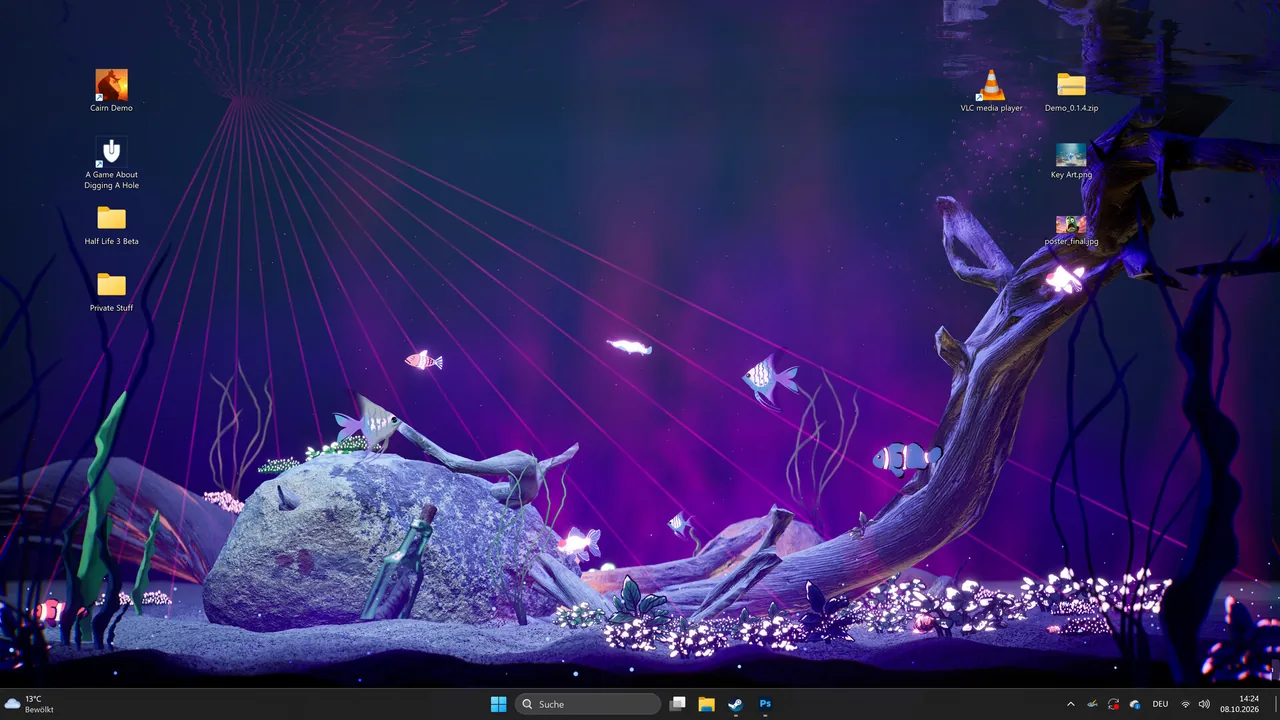
Drawquarium crash fix solutions address startup black screens, editor naming crashes, and file import access violations. Stable gameplay requires verifying DirectX 12 hardware specifications, using the built-in bug reporter, and managing Unreal Engine 5 shader decompression on Intel processors.
Hardware Requirements and Startup Shader Failures
Drawquarium runs on Unreal Engine 5 and requires specific baseline hardware on 64-bit Windows 10 systems. The official Steam store page lists minimum requirements consisting of an Intel i5-8400 or AMD Ryzen 5 1600 processor, 8 GB of RAM, DirectX 12 support, 700 MB of storage, and an NVIDIA GTX 1060 or AMD RX 580 graphics card with 6 GB of VRAM.
Startup crashes often manifest as a persistent black screen or an explicit decompression fault. In the Steam forum thread discussing first-run failures, players using 13th Gen Intel processors such as the Core i9-13900K encounter an error inside ShaderCodeArchive.cpp at line 491. The error log specifically cites DecompressShaderWithOodleAndExtraLogging() failing to decompress shader groups through Oodle.
This specific crash links directly to processor decompression stability issues documented at the Rad Game Tools Oodle Intel reference portal. While some player configurations like an Intel i7-7700K paired with an RTX 2070 Super boot consistently, high-end 13th Gen CPUs can crash before reaching the title screen. Launching the executable multiple times occasionally bypasses the black screen, but resolving the underlying failure requires addressing CPU clock stability during Unreal Engine shader compilation.
Resolving Image Import Access Violations
Drawing your own sea creatures and plants serves as a primary feature of the simulation, but external file operations can cause hard client drops. In the Steam forum thread covering import crashes, players attempting to import png files trigger an immediate fatal crash:
Fatal error! Unhandled Exception: EXCEPTION_ACCESS_VIOLATION reading address 0x0000000000000000 in Drawquarium-Win64-Shipping.exe
This access violation occurs the moment the operating system file dialogue or import function is called by the application executable. In the May 23 demo build, the import button either produces zero response or enforces strict pixel dimension limits on source images. Windows 11 systems can also throw error code 0x11c7 if security protections block the executable from executing file read commands. Verifying that the application has administrative permissions to read storage folders and sizing custom PNG images to moderate dimensions helps avoid memory pointer exceptions.
Editor and Aquarium Action Fatal Errors
Crashing is not limited to file loading; certain in-engine interactive menus trigger sudden crashes. In the Steam community thread regarding editor stability, players report that creating an aquarium functions normally, but entering the drawing studio to draw fish causes a fatal error immediately upon prompting for a creature name. Lowering in-game graphics settings to minimum levels does not bypass this naming input crash.
Tank interactions also display version-specific stability bugs. In the forum thread examining feeding issues, actions in the main tank, such as attempting to feed fish following an update, close the client directly to desktop. Background utilities including wallpaper mode and the timer tools remain functional only when the base tank simulation avoids these corrupted interaction loops.
Crash Troubleshooting Action Plan
Different crash symptoms in Drawquarium require distinct troubleshooting approaches depending on whether the fault occurs during startup, file handling, or tank interactions:
| Troubleshooting Approach | Target Issue | Trade-off |
|---|---|---|
| Rad Game Tools Processor Stabilization | Shader decompression failures (DecompressShaderWithOodleAndExtraLogging) on Intel 13th Gen CPUs | Requires adjusting BIOS power limits or microcode settings outlined by Intel and Rad Game Tools |
| PNG Dimension Restriction and Permission Check | Fatal access violation (0x0000000000000000) and error 0x11c7 when clicking import | Precludes importing oversized high-resolution artwork directly into the tank |
| In-Game Bug Reporter Dispatch | Editor naming screen crashes and action dropouts when attempting to feed fish | Requires waiting for client patch updates from developer byKaleb |
Submitting Diagnostic Logs
The developer team includes an in-game report bug button directly inside the Drawquarium client. When experiencing unhandled exceptions during drawing sessions or tank management, accessing this tool transmits system hardware profiles and shipping logs to the development team.
For startup crashes where the main interface never appears, gathering the call stack from the Unreal Engine crash dialogue provides the exact memory address and module failure. Supplying these logs through the Steam community bugtracker thread enables publisher rokaplay and developer byKaleb to track build regressions across ongoing demo updates.
Next step
Demo Save Transfer
Review how Drawquarium stores demo creations through drawing autosaves, backup saves, and global tank transfers for the Steam release.
Related Guides
Demo Save Transfer
Review how Drawquarium stores demo creations through drawing autosaves, backup saves, and global tank transfers for the Steam release.
Fish Relationships
Learn how tank companions form friendships, develop rivalries, produce offspring, and update their personal status titles inside your aquarium.