
Drawquarium Clock Customization: Setup and Desktop Tools
Drawquarium clock customization allows you to adjust the on-screen time display alongside the date and weekday while running the aquarium. Built into the productivity suite, the clock keeps track of real-world time during study or work sessions.
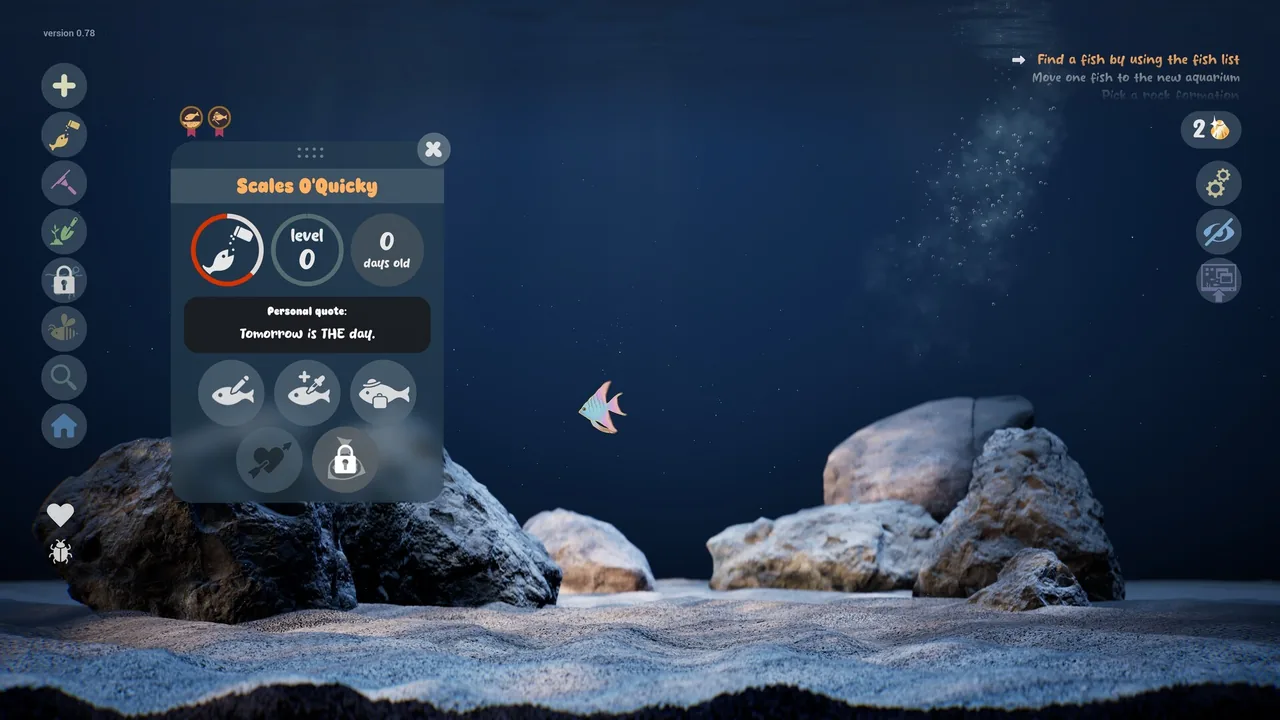
Drawquarium clock customization allows you to adjust the on-screen time display alongside the date and weekday while running the aquarium. Built into the productivity suite, the clock keeps track of real-world time during study or work sessions.
Clock Display and Productivity Integration
The clock functions as a built-in timekeeper inside Drawquarium, presenting both the current calendar date and the active weekday. Developer byKaleb added the clock alongside several productivity features designed to turn the aquarium into a calming background companion during daily computer routines.
Instead of switching windows to monitor desktop time, the clock remains anchored inside the aquarium interface. It operates in tandem with a dedicated timer to help structure focused study or work intervals. You can also organize your daily goals through the built-in task manager or record reflections using the in-game journal. These utilities allow the simulation to double as a functional desk utility rather than solely an idle tank.
Using the Clock in Desktop Wallpaper Mode
The game includes an option to turn your living tank into an active background through wallpaper mode. When active, the aquarium stays visible directly on your desktop screen while you browse web pages, write documents, or run work software.
The clock overlay persists in this desktop mode, providing continuous visibility of the hour, date, and day of the week. Updates shared on the official Steam page detail that audio transitions smoothly between standard full-screen play and background display, letting you monitor real-world time while your drawn creatures swim around your open desktop windows.
Productivity Tools Comparison
The following table outlines how each productivity feature supports daily workflows inside Drawquarium:
| Productivity Tool | In-Tank Display | Primary Practical Use |
|---|---|---|
| Clock | Current time, calendar date, and weekday | Tracking standard real-world time without leaving background mode |
| Timer | Countdown counter and interval tracker | Structuring dedicated work intervals and mindful screen breaks |
| Task Manager | Goal checklist and to-do item list | Managing active tasks and checking off daily accomplishments |
| Journal | Dedicated text-entry field | Recording personal notes and thoughts during quiet work pauses |
Progression and Customization Unlocks
Unlocking expanded decorative and management options connects directly to the core gameplay loop. Feeding fish and taking care of the tank yields golden scales, which serve as the primary progression currency.
Accumulated scales allow you to unlock additional brushes, templates, lighting effects, and aquarium decorations such as driftwood and custom sand colors. By expanding your collection through regular feeding and vacuuming debris, you can adjust the look of your aquarium habitat to match your preferred desk setup.
Next step
Journal Tool
Review how the built-in journal integrates with desktop focus utilities to support calm daily writing alongside swimming fish.